
TL;DR

Get the little things that make your day delivered free — and shop member deals
- Fast, free delivery on millions of items
- Access to Prime Big Deal Days deals on October 6–7
- Prime Video, Amazon Music and more included
A single source video can be transformed into a full publishing package—captions, clips, metadata, thumbnails—entirely on your own hardware. This approach boosts privacy, saves time, and reduces costs by eliminating cloud dependency.
Imagine finishing a single video and having a complete set of publish-ready assets in minutes. No uploading to the cloud, no waiting for third-party servers to process. That’s the promise of local-first video tools—powerful, private, and lightning-fast. If you’re tired of juggling multiple platforms, subscriptions, and slow turnaround times, this approach could flip your workflow on its head.
Here’s what you’ll learn: how one source video can become a full publishing kit, what makes local processing different—and why it matters for privacy and control. Plus, practical tips on making it work for your content needs.
Key Takeaways
- Local processing turns one video into a full publishing kit—captions, clips, metadata—fast and privately.
- You gain full control over your assets, avoiding cloud fees and data leaks.
- The workflow is a straightforward four steps: ingest, understand, review, publish.
- Hardware requirements are modest but depend on your video quality and volume.
- Tradeoffs include hardware dependence and manual updates, but the benefits of speed and privacy are compelling.
As an affiliate, we earn on qualifying purchases.
How a Single Video Becomes a Complete Publishing Kit in Record Time
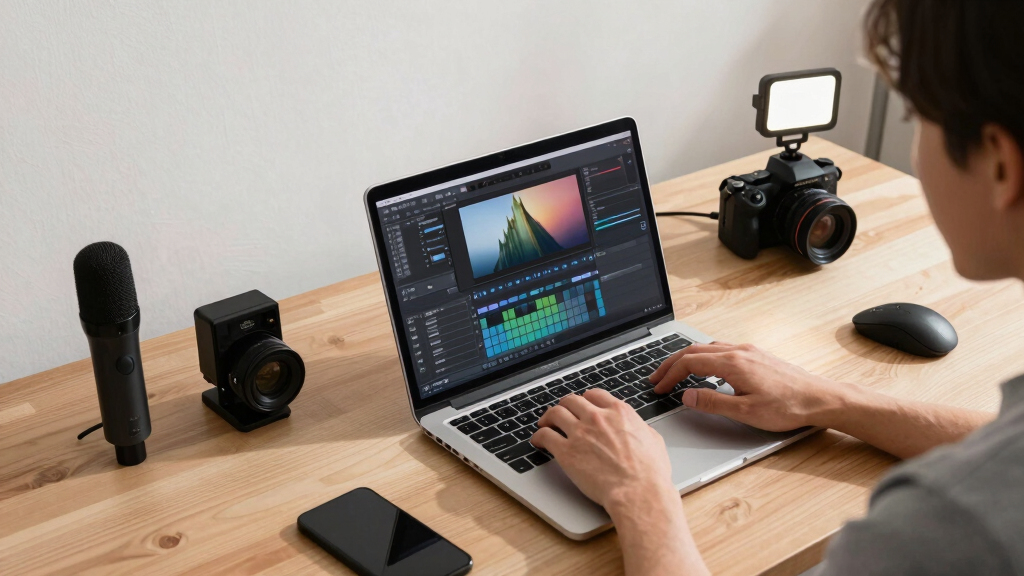
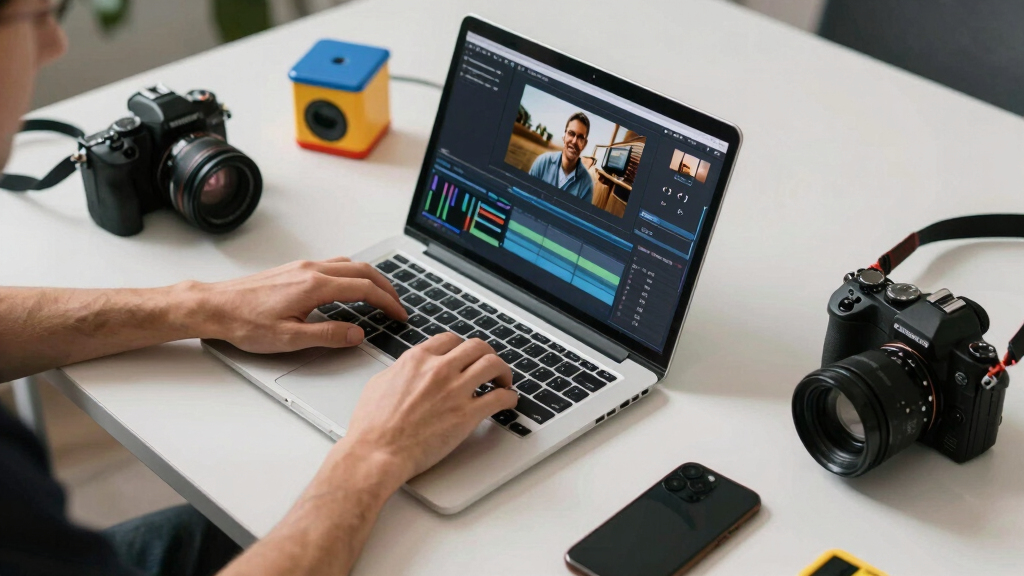
When you drop your video into a local tool like ChannelHelm, it quickly analyzes everything—audio, visuals, on-screen text. This comprehensive analysis is crucial because it forms the foundation for generating various assets that are essential for publishing across different platforms. In minutes, it produces captions, highlights, clips, thumbnails, and even article drafts. No waiting for cloud servers, no uploading to third-party platforms.
For example, you upload a 10-minute interview. The system extracts a transcript, identifies key moments based on audio cues and visual changes, and then produces social clips, a blog draft, and a thumbnail—all on your own hardware. This process not only accelerates your workflow but also ensures that your data remains private. You review, tweak if needed, then publish. The speed, privacy, and control are significantly enhanced compared to traditional cloud-based approaches.
As an affiliate, we earn on qualifying purchases.
What Makes Local Processing a Game-Changer for Creators and Teams
Local processing isn’t just about avoiding cloud fees; it fundamentally changes how creators and teams think about data security and operational agility. When your footage stays on your machine, you control every aspect of your content lifecycle—processing, storage, and distribution. This minimizes the risk of data leaks, especially when handling sensitive or proprietary material. It also eliminates dependence on third-party vendors, reducing the risk of service outages or unexpected costs that can disrupt your workflow.
Take a marketing team with sensitive client videos—processing locally keeps everything confidential and compliant with privacy regulations. For solo creators, it means faster turnaround times without waiting for uploads or server responses. The tradeoff is that local processing requires a capable hardware setup, which might involve an initial investment, but the payoff is in speed, control, and peace of mind. As hardware becomes more powerful and affordable, these benefits are increasingly accessible, making local workflows a compelling choice for many.
Understanding these advantages helps creators to weigh the tradeoffs: while cloud solutions offer scalability and ease of use, local processing provides unmatched control and privacy—values that are critical in many professional contexts. The shift toward local-first workflows signals a broader trend emphasizing data sovereignty and operational independence, which can influence future content strategies and security protocols.
video thumbnail creator software
As an affiliate, we earn on qualifying purchases.
As an affiliate, we earn on qualifying purchases.
The Power of a Publish-Ready Package: Everything from One Video
Think of the publishing package as your all-in-one toolkit designed for multi-platform distribution. It includes a perfectly scored title, compelling description, relevant hashtags, and an eye-catching thumbnail—all derived from your video’s key moments through intelligent analysis. Beyond that, it produces multiple formats such as web embeds, social clips, full transcripts, and rich metadata—all stored securely on your local machine. This comprehensive set of assets simplifies the often tedious process of preparing content for different platforms, reducing manual work and potential errors.
Imagine you’re a creator with a single video. From this, you get a ready-to-publish YouTube description that’s optimized for SEO, short clips tailored for TikTok and Instagram, LinkedIn summaries for professional outreach, and a detailed blog draft—all generated from the same source. This not only speeds up your publishing process but also ensures consistency across channels. The ability to generate these assets locally means you retain full control over the quality, branding, and timing of your releases, enabling a more streamlined and professional content strategy.
offline video metadata extractor
As an affiliate, we earn on qualifying purchases.
As an affiliate, we earn on qualifying purchases.
Frequently Asked Questions
What does ‘without the cloud’ actually mean?
It means all processing and asset generation happen on your own hardware. Your videos and data stay on-site, not uploaded to third-party servers, boosting privacy and control.
Can it automatically generate captions, clips, and thumbnails?
Yes. Local tools analyze your video and produce these assets, often with scoring and editing options to customize the outputs before publishing. This automation reduces manual effort and speeds up your workflow. The quality of generated assets depends on the sophistication of the AI models and your input, but most tools aim for accuracy and relevance, making it easier for creators to produce professional content efficiently.
What hardware do I need to run this?
A decent desktop or laptop with a modern GPU speeds up processing. Storage depends on your video library size, but 1-2TB is typical for most creators. Investing in hardware with dedicated graphics accelerates processing times significantly, especially for high-resolution videos like 4K. While integrated graphics can suffice for smaller projects, a dedicated GPU offers more flexibility and faster results, making local processing more practical for regular content production.
How do I publish the final video or assets?
Most tools generate embed codes, downloadable files, and ready-to-upload assets. You can embed directly or upload manually to your chosen platform. This flexibility allows creators to integrate assets seamlessly into their existing workflows, whether through direct API integrations or manual uploads, ensuring compatibility with various publishing platforms.
Are there any limitations or tradeoffs?
Yes. Hardware limits processing speed and storage, and some formats or platforms might need manual compatibility checks. But you gain speed, privacy, and control in return. Larger or more complex videos require more powerful hardware, and updating or maintaining local tools may involve manual effort. Nonetheless, for many creators, the benefits of faster turnaround, data sovereignty, and reduced recurring costs outweigh these tradeoffs, especially as hardware becomes more affordable and AI models improve.
Conclusion
One source video can fuel your entire publishing workflow—no cloud, no waiting. It’s a smarter, safer way that puts you in charge of every asset and every step. As hardware and AI tools improve, this approach will become the new default for creators and teams craving speed and privacy.
Ready to take control? Start exploring local tools like ChannelHelm today and see how much faster and more private your content pipeline can be.
Halloween Picks
halloween
As an affiliate, we earn on qualifying purchases.