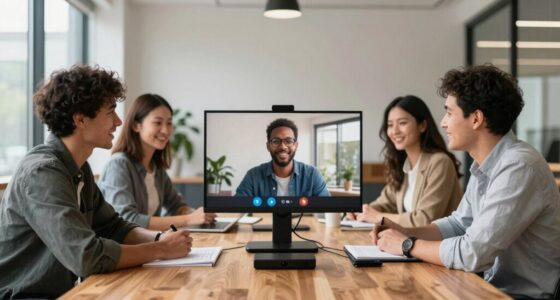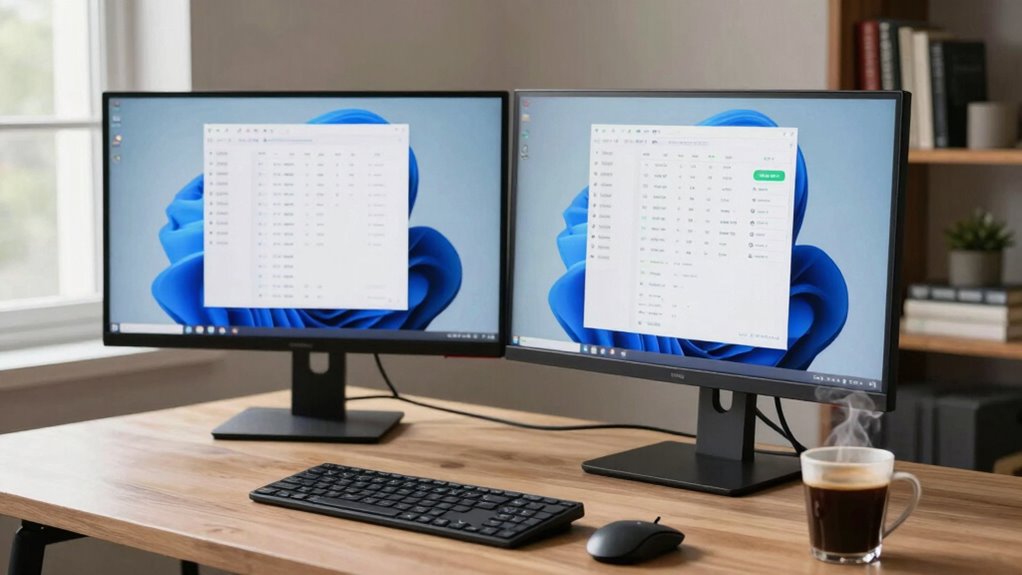

A dual monitor bundle can greatly enhance your remote work setup. You’ll find it boosts productivity by letting you multitask efficiently and keeps everything organized. With the right features, like ergonomic stands and flicker-free technology, you can reduce eye strain and discomfort. However, it’s important to set boundaries to avoid distractions. Choose a bundle that fits your workspace and needs, and you’ll create a smarter setup. Want to explore how to optimize your dual monitor experience?
Key Takeaways
- A dual monitor setup boosts productivity by enabling multitasking and simultaneous access to applications, enhancing remote work efficiency.
- Proper monitor features, like resolution and ergonomic stands, reduce eye strain and discomfort during long hours of work.
- While dual monitors can enhance organization, setting boundaries is crucial to avoid distractions from non-work-related tasks.
- Selecting a monitor bundle with high-quality displays and ergonomic features is essential for an effective and comfortable workspace.
- Mindful use of screen real estate and productivity techniques can maximize focus and minimize distractions in a dual monitor setup.
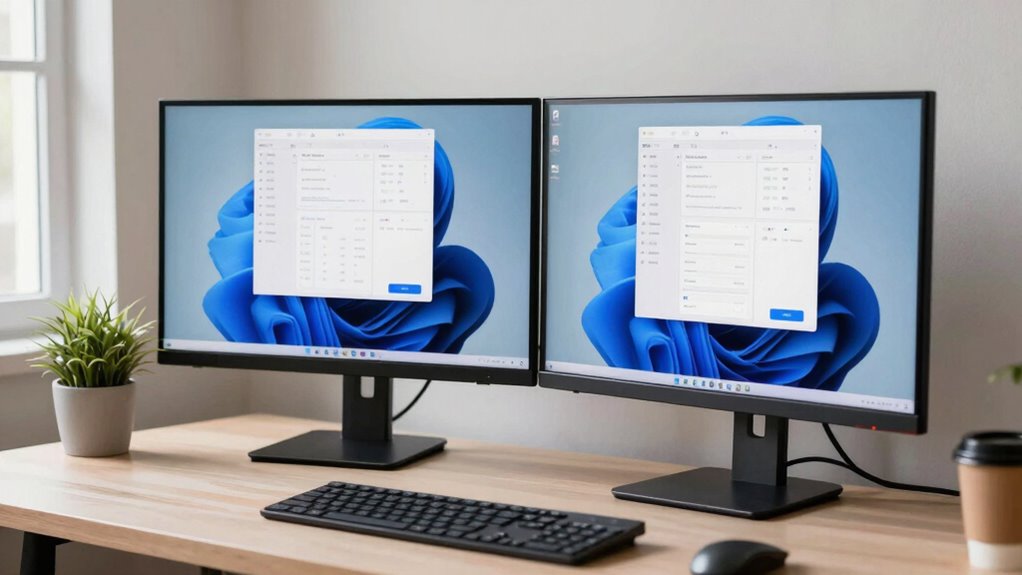
Looking to boost your productivity while working from home? A dual monitor setup might just be the game-changer you need. With the right dual monitor bundle, you can streamline your tasks and enhance your workspace organization. Instead of flipping between tabs or squinting at a single screen, having two monitors allows you to multitask effortlessly. You can have your emails open on one screen while working on a document on the other, making it easier to monitor productivity.
Imagine diving into your work and having the freedom to spread out your tasks visually. This setup not only helps you stay organized but also minimizes distractions. When your workspace is clutter-free and logically arranged, you’ll find it easier to focus. You won’t waste time searching for files or switching between applications. Instead, everything you need is right in front of you, which can greatly improve your efficiency. Choosing monitors with matching resolution and size can help prevent eye strain and ensure a more comfortable viewing experience.
Additionally, selecting monitors that feature adjustable stands can contribute to better ergonomics, reducing discomfort during long hours. Ergonomics is crucial for maintaining comfort and preventing strain over extended periods of work. Incorporating features like flicker-free technology can further enhance visual comfort during extended use. Proper workspace organization can significantly impact your overall productivity by creating a more efficient environment. However, it’s important to balance productivity and distraction. While dual monitors can enhance your workflow, they can also lead to information overload. It’s easy to get sidetracked with social media or other non-work-related tasks if you’re not careful. Set boundaries for yourself, and think about using apps that help you stay on task. Tools like Focus@Will or the Pomodoro Technique can help you maintain concentration, even with two screens beckoning for your attention.
Ultimately, a dual monitor setup can revolutionize your remote work experience. With improved workspace organization and the ability to monitor productivity closely, you’ll find yourself accomplishing more in less time. Just be mindful of how you use that extra screen real estate. With the right approach, you can transform your home office into a powerhouse of efficiency. So, if you’re ready to take the plunge, explore your options, pick a bundle that suits your needs, and get ready to elevate your work-from-home game.
dual monitor bundle with ergonomic stands
As an affiliate, we earn on qualifying purchases.
As an affiliate, we earn on qualifying purchases.
Frequently Asked Questions
Can Dual Monitors Improve Productivity for Remote Workers?
Yes, dual monitors can greatly improve your productivity as a remote worker. By enhancing your focus, you can easily manage multiple tasks without constant window switching. This setup allows for better workspace organization, letting you keep essential applications open side by side. You’ll find it easier to multitask, whether you’re comparing documents or conducting research. Overall, dual monitors create a more efficient workflow, helping you stay on track and accomplish more in less time.
What Are the Best Monitor Sizes for Dual Setups?
For a dual monitor setup, 24 to 27 inches is ideal. This size strikes a balance between monitor dimensions and usability, providing ample screen real estate without overwhelming your workspace. You’ll want at least a Full HD (1920×1080) resolution for clarity, but consider going for 1440p or 4K if you often multitask or work with detailed graphics. Ultimately, the right size and resolution can transform your productivity and comfort while working.
How Do I Set up Dual Monitors With My Laptop?
To set up dual monitors with your laptop, first check monitor compatibility and connection types. Use HDMI, DisplayPort, or USB-C cables, depending on your laptop’s ports. Connect the monitors, then right-click on your desktop and select “Display settings.” Here, you can choose how you want to use the monitors—extend or duplicate. Adjust the resolution settings to fit your preferences, and you’re all set to enhance your workspace!
Are Dual Monitor Stands Necessary for a Home Office?
Dual monitor stands aren’t strictly necessary, but they can transform your workspace into an ergonomic haven. Imagine sitting comfortably, your screens at eye level, reducing neck strain while you work. These stands promote space optimization, clearing your desk of clutter and giving you room to breathe. You’ll find it easier to focus, enhancing productivity while creating a serene environment. Ultimately, investing in a stand can make your home office feel more professional and organized.
Can Dual Monitors Cause Eye Strain or Fatigue?
Yes, dual monitors can cause eye strain or fatigue if you’re not careful. To protect your eye health, follow ergonomic tips like adjusting monitor height and distance. Make sure your screens are at eye level and about an arm’s length away. Don’t forget to take regular breaks, using the 20-20-20 rule: every 20 minutes, look at something 20 feet away for 20 seconds. This helps reduce strain and keeps you focused.

Philips 24 Inch Computer Monitor FHD 100Hz VA VESA Flicker-Free, 241V8LB
- Display Size: 24 Inch Full HD monitor
- Resolution: 1920×1080 Full HD
- Panel Type: VA panel for high contrast
As an affiliate, we earn on qualifying purchases.
As an affiliate, we earn on qualifying purchases.
Conclusion
In summary, investing in a dual monitor bundle can considerably enhance your remote work experience, boosting productivity by up to 40%. With the ability to multitask seamlessly, you’ll find it easier to manage projects and stay organized. However, be mindful of potential distractions; it’s essential to strike a balance. Ultimately, a well-set-up workspace can lead to smarter work habits, making the investment worthwhile for your professional growth and efficiency.

HUANUO FlowLift™ Dual Monitor Stand, Fully Adjustable Gaming Monitor Desk Mount for 13–32″ Computer Screens, Full Motion VESA 75×75/100×100 with C-Clamp & Grommet Base, Each Arm Holds 4.4 to 19.8 lbs
- Monitor Compatibility: 13-32 inch screens, 4.4-19.8 lbs, VESA 75×75/100×100
- Desk Compatibility: Wooden desks, 0.59-3.54 inches thick, no cross beams
- Secure Mounting: Dual C-clamp and Grommet base for stability
As an affiliate, we earn on qualifying purchases.
As an affiliate, we earn on qualifying purchases.

Kado 2-Pack Dual 27" Curved 1500R 1920×1080 75Hz FHD Computer Monitor
- Dual Monitor Setup: Seamless curved dual display for immersive use
- Ergonomic Design: Curved 1500R for comfortable viewing
- Fast Response Time: Reduces ghosting and blurring
As an affiliate, we earn on qualifying purchases.
As an affiliate, we earn on qualifying purchases.