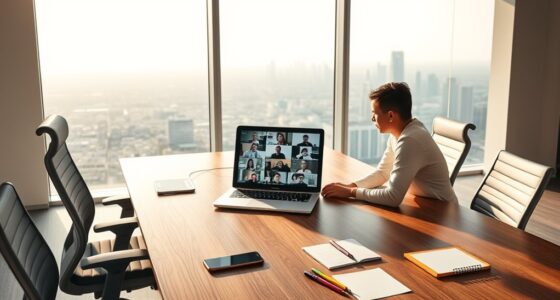

To protect your data privacy as a remote worker, you should adopt strong security practices like using secure VPNs, enabling multi-factor authentication, and applying role-based access controls. Keep your devices and software updated, and always encrypt data during transmission. Regularly educate yourself about phishing scams and secure data handling. Maintaining compliance with regulations like GDPR and HIPAA is vital. By following these best practices, you’ll safeguard sensitive information and stay ahead of potential risks—learn more to enhance your security approach.
Key Takeaways
- Enforce secure VPNs, role-based access controls, and multi-factor authentication to protect remote data access.
- Regularly update and patch devices, software, and firmware to fix vulnerabilities.
- Educate employees on phishing risks, secure password practices, and safe data handling.
- Use encryption for data in transit and at rest, and monitor network traffic for suspicious activity.
- Maintain comprehensive logs, audit trails, and stay compliant with regulations like GDPR and HIPAA.

GL.iNet MT2500A(Brume 2) Professional Mini VPN Security Gateway, Home Office Remote Work Site-to-Site, WireGuard OpenVPN Server Client 24/7 Connection, 2.5G WAN USB3.0 OpenWrt NO Wi-Fi Ethernet Only
【Compatible with 30+ VPN service providers】Pre-installed with OpenVPN and WireGuard. OpenVPN speeds up to 150 Mbps; WireGuard speeds…
As an affiliate, we earn on qualifying purchases.
As an affiliate, we earn on qualifying purchases.
Understanding the Data Privacy Landscape in Remote Work
Understanding the data privacy landscape in remote work is crucial because the shift to dispersed work environments has introduced new vulnerabilities and compliance challenges. As you manage remote teams, you face increased risks like data breaches, insider threats, and compromised networks. The costs of these incidents are steep—averaging over $4.5 million per breach—and they take longer to contain, exposing sensitive information for extended periods. Human error and inadequate security awareness among employees further heighten vulnerabilities. Additionally, remote access to cloud resources and personal devices complicate compliance with regulations like GDPR and HIPAA. Staying informed about these risks helps you develop effective strategies to protect data, reduce incident costs, and ensure your organization remains compliant in this evolving landscape. Recognizing potential pitfalls in adopting new payment technologies can help you proactively address security vulnerabilities and regulatory issues before they impact your operations.

Yubico – YubiKey 5C NFC – Multi-Factor authentication (MFA) Security Key and passkey, Connect via USB-C or NFC, FIDO Certified – Protect Your Online Accounts
POWERFUL SECURITY KEY: The YubiKey 5C NFC is the most versatile physical passkey, protecting your digital life from…
As an affiliate, we earn on qualifying purchases.
As an affiliate, we earn on qualifying purchases.
Implementing Secure Access Protocols for Remote Employees
Securing access points is vital to protecting remote work environments from breaches and data leaks. You need robust protocols to control who accesses sensitive data and how they do it. Start by enforcing secure VPNs to encrypt all communications. Next, implement strict access controls based on roles, limiting data exposure. Use endpoint security tools to monitor devices and prevent unauthorized activities. Regularly update software and firmware to fix vulnerabilities. Finally, establish clear policies for remote access, ensuring employees understand their responsibilities. Incorporate insights from AI Bifurcation to anticipate and adapt to emerging security challenges driven by technological evolution.
Securing remote access points safeguards data through VPNs, role-based controls, endpoint monitoring, and clear policies.
- Enforce strong password policies and regular updates
- Limit access through role-based permissions
- Use encryption for data in transit and at rest
- Monitor remote device activity continuously
- Restrict access to sensitive systems outside business hours
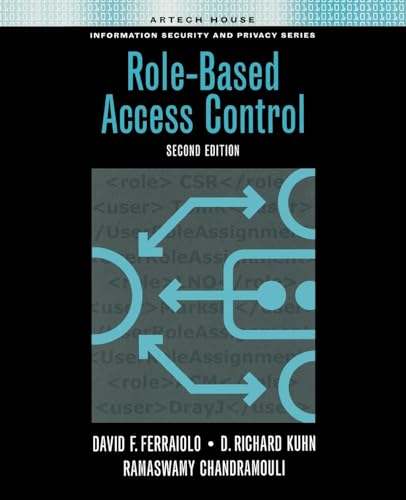
Role-Based Access Control, Second Edition
As an affiliate, we earn on qualifying purchases.
As an affiliate, we earn on qualifying purchases.
Strengthening Authentication With Multi-Factor Verification
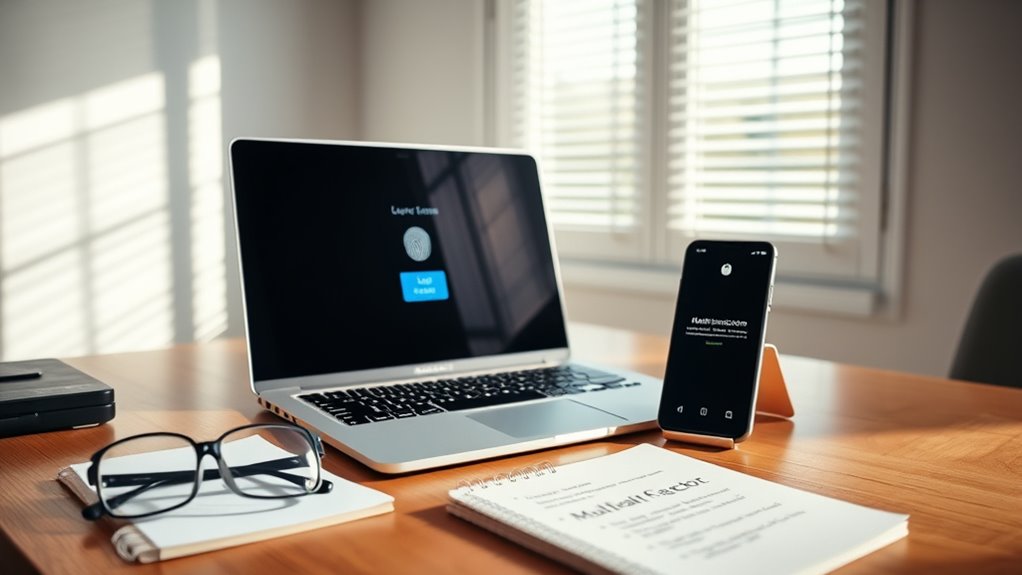
Implementing multi-factor verification boosts your login security by adding extra layers of protection. It effectively reduces unauthorized access, even if passwords are compromised. With seamless verification methods, you can strengthen security without disrupting user experience. Additionally, incorporating secure authentication methods ensures compliance with best practices and enhances overall data privacy.
Enhancing Login Security
How can you prevent unauthorized access to remote systems? By enhancing your login security with multi-factor verification. MFA adds an extra layer of protection beyond just passwords, making it harder for hackers to breach your accounts. To implement this effectively, consider these best practices:
- Require a second verification step, like a fingerprint or facial recognition
- Use authenticator apps instead of SMS codes for more secure tokens
- Enforce strict password policies, combining complexity and regular updates
- Limit login attempts to prevent brute-force attacks
- Regularly review access logs for suspicious activity
Reducing Unauthorized Access
Once you’ve fortified your login security with multi-factor verification, the next step is to guarantee that only authorized users gain access. You can do this by enforcing strict access controls, ensuring users authenticate with at least two verification factors—something they know, have, or are. This makes it markedly harder for attackers to breach accounts, even if passwords are compromised. Regularly review and update access permissions based on role changes or employee departures to prevent lingering access. Use adaptive authentication that adjusts security requirements based on risk factors like location or device. Additionally, monitor login attempts for suspicious activity, and respond swiftly to anomalies. Relationships can influence the effectiveness of security protocols, so fostering clear communication and trust within your team is crucial. These measures help ensure that remote access remains secure, reducing the risk of unauthorized entry and safeguarding sensitive data.
Implementing Seamless Verification
Seamless verification enhances security without hindering user experience by integrating multi-factor authentication (MFA) into daily remote work routines. You can make MFA less intrusive while maintaining strong protection by adopting smarter methods. To do this effectively:
- Use biometric verification like fingerprint or facial recognition for quick access
- Implement adaptive MFA that adjusts based on risk levels and device trustworthiness
- Incorporate push notifications for instant approval or denial
- Enable time-based one-time passwords (TOTP) for faster login processes
- Integrate single sign-on (SSO) options to streamline multiple authentication steps
These strategies help guarantee that users don’t get bogged down by security measures, while still keeping remote access secure. The goal is to balance convenience with robust authentication, preventing breaches without frustrating your team.
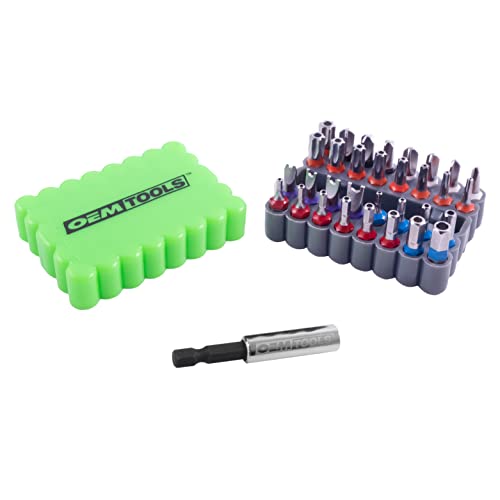
OEMTOOLS 25959 33 Piece Security Bit Set, Includes Spanner, Tri-Wing, Torq, Hex Security, and Tamper Proof Star Security Bits with 1/4 Inch Hex Bit Holder
Complete Drill Bit Set: Our screwdriver bit set features five of the most popular security bits; Includes star…
As an affiliate, we earn on qualifying purchases.
As an affiliate, we earn on qualifying purchases.
Protecting Devices and Endpoints From Threats
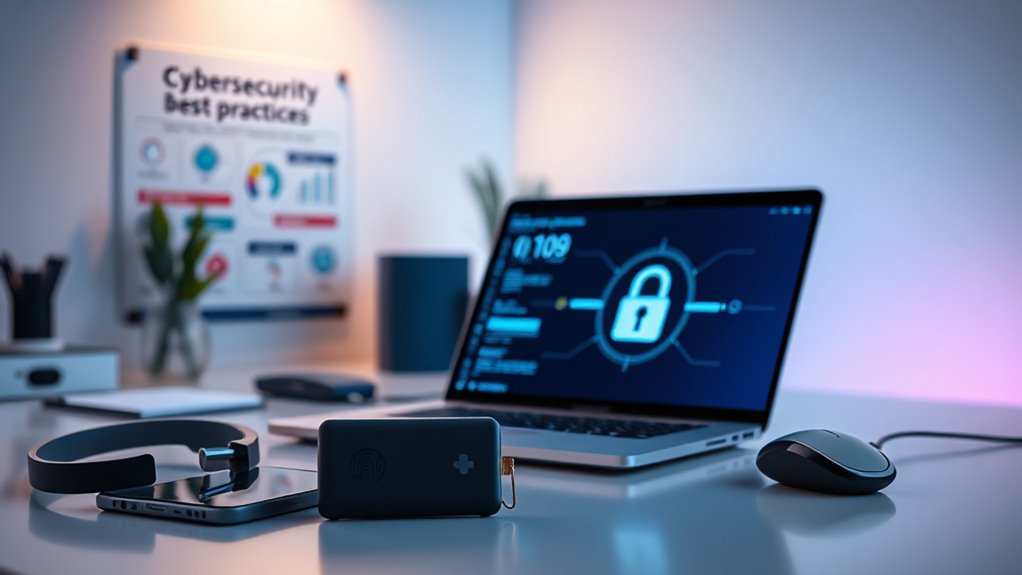
Protecting devices and endpoints from threats is essential in a remote work environment because these endpoints are often the first line of defense against cyberattacks. You should deploy endpoint security solutions that include antivirus, anti-malware, and firewall protections. Regularly patch and update your remote devices to fix vulnerabilities. Use strong, unique passwords and enable multi-factor authentication (MFA) for all access points. To visualize, consider this table:
| Action | Purpose |
|---|---|
| Install endpoint security | Detect and block malicious activities. |
| Patch and update | Close security gaps promptly. |
| Enable MFA | Prevent unauthorized access. |
| Use strong passwords | Protect accounts from brute-force attacks. |
Implementing these measures minimizes risks, safeguards sensitive data, and keeps your remote work environment secure. Additionally, understanding the importance of contrast ratio can help you select the right displays and security tools that optimize visibility and clarity in your digital environment.
Keeping Software and Systems Up-to-Date
Keeping software and systems up-to-date is essential for maintaining security in a remote work environment. Regular updates patch vulnerabilities before hackers can exploit them, reducing your risk of data breaches. To stay protected, guarantee you:
- Enable automatic updates for operating systems and applications.
- Regularly check for and install patches or updates manually when needed.
- Use centralized management tools to keep track of software versions across devices.
- Remove outdated or unsupported software that no longer receives security patches.
- Stay informed about new threats and updates from vendors and security sources.
- Monitor filter replacements and maintenance schedules to ensure your air purifiers operate effectively and contribute to a healthier workspace.
Promoting Employee Security Awareness and Training
How can you effectively reduce human error and secure your remote work environment? The key is promoting employee security awareness and providing ongoing training. Regularly educate your team about phishing scams, suspicious links, and safe password practices. Use clear, simple guidelines and real-world examples to reinforce good habits. Encourage a security-first mindset by emphasizing the importance of locking devices, avoiding public Wi-Fi, and reporting potential threats immediately. Incorporate interactive training sessions and simulated phishing tests to keep everyone engaged and alert. Make security part of your company culture so employees see it as a shared responsibility. When your team understands threats and knows how to respond, you profoundly lower the risk of breaches caused by human error, strengthening your remote data privacy defenses. Additionally, emphasizing the importance of understanding animated movies that touch hearts can help foster empathy and attention to detail among team members, indirectly supporting a more vigilant security environment.
Monitoring and Managing Remote Data Transmission
Monitoring and managing remote data transmission is essential for maintaining data privacy in today’s distributed work environments. You need to guarantee data flows securely between remote devices and your systems, preventing unauthorized access or leaks. Use tools and strategies such as:
- Enforcing encryption for all data in transit
- Implementing real-time traffic monitoring to detect anomalies
- Utilizing secure file transfer protocols like SFTP or HTTPS
- Setting strict access controls and permissions
- Regularly reviewing transmission logs for suspicious activity
- Being aware of divorce process variations across states to ensure compliance with local legal requirements when handling sensitive information related to personal data or disputes.
These practices help you spot vulnerabilities early, reduce data exposure, and maintain compliance. By actively overseeing data movement, you protect sensitive information and minimize breach risks in your remote work setup. Staying vigilant ensures your remote data stays private and secure.
Ensuring Compliance With Data Privacy Regulations
Navigating data privacy regulations in remote work environments requires proactive measures to ensure compliance across multiple jurisdictions. You must understand the specific laws that apply to your organization, such as GDPR, HIPAA, or CCPA, and adapt your policies accordingly. Keep detailed audit trails and access logs of remote activities to demonstrate compliance during audits. Regularly review and update your privacy policies to reflect evolving regulations and remote work practices. Train your employees on compliance requirements and data handling best practices. Implement controls like data encryption, access restrictions, and multi-factor authentication to reduce risks. Staying informed about legal developments helps you avoid costly fines and legal exposure, guaranteeing your remote work setup remains compliant and secure. Additionally, incorporating consistent record-keeping practices ensures ongoing accountability and transparency in data management.
Frequently Asked Questions
How Can Remote Workers Securely Access Sensitive Company Data?
You can securely access sensitive company data by using a VPN to encrypt your connection and prevent eavesdropping. Enable multi-factor authentication to add an extra layer of security, making unauthorized access harder. Keep your devices updated with the latest patches, use endpoint security solutions, and avoid connecting through unsecured networks. Regularly follow your company’s security protocols and participate in ongoing security training to stay vigilant.
What Are the Best Tools for Monitoring Remote User Activity?
You should use security information and event management (SIEM) platforms to monitor remote user activity effectively. These tools provide real-time visibility into user actions, detect anomalies, and alert you to potential threats early. Additionally, remote device management (RDM) solutions help oversee device health and security, while data loss prevention (DLP) software controls sensitive data flow. Combining these tools ensures thorough monitoring and quick response to any suspicious activity.
How Do Organizations Detect Insider Threats Remotely?
Did you know insider threats increased by nearly 40% in remote settings? To detect them, you should implement continuous monitoring of user activity with security tools like SIEM platforms. Use behavior analytics to spot anomalies, such as unusual login times or data access patterns. Regularly review access logs and enforce strict role-based permissions. Combining these methods helps you identify suspicious actions early and mitigate potential damage from insider threats.
What Steps Should Be Taken After a Remote Data Breach?
After a remote data breach, you should first contain the incident by disconnecting affected devices and restricting access. Then, thoroughly investigate to identify the breach’s cause and scope. Notify your legal team and comply with reporting requirements. Next, assess the damage to data and systems, implement necessary patches, and strengthen security measures like MFA and endpoint protection. Finally, review and update your incident response plan to prevent future breaches.
How Can Small Businesses Ensure Remote Data Privacy Compliance?
To guarantee remote data privacy compliance, you should implement strong security measures like VPNs, multi-factor authentication, and endpoint protection. Regularly update and patch devices, conduct ongoing security training for your team, and maintain detailed audit trails of remote activity. Stay aware of regulations like GDPR, HIPAA, or CCPA, and adapt your policies accordingly. Using cloud security tools and remote device management helps keep your data secure and compliant.
Conclusion
By weaving these best practices into your remote work routine, you’re building a fortress around your data, making it too strong for prying eyes. Think of your security measures as a vigilant lighthouse guiding your team safely through the stormy seas of cyber threats. Stay proactive, keep learning, and continually tighten your defenses. With these strategies in place, you’ll navigate the digital waves confidently, ensuring your data remains private and protected amidst the ever-changing cybersecurity landscape.